 Typically, when the player grabs an object, the object keeps it rotation relative to the camera. With look_at_target, you can have the object always try to point it’s -Z axis (forward axis in Godot) towards any Node3D (such as a CollisionShape3D or a RigidBody3D).
Quick Explanation
Normally, when you want to get an object to point at another object, you only need to use about two to three mathematically operations, and you’re done. However, in the case of the pistol show above, what happens when the part you actually want to point at your target (the barrel) isn’t in line with your pivot point? The answer is you need a whole lot more math to compensate. Fortunately, that math is done for you. All you have to do is set up your object with the correct info
Setup
Add “look_at_target” metadata property, with it’s type being NodePath
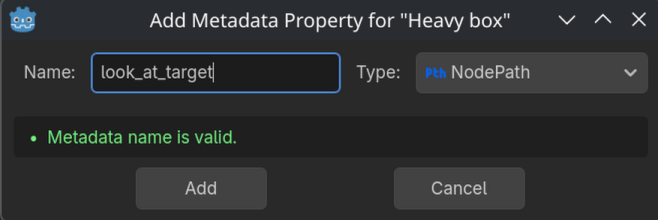
Assign the node you want your grabbable object to face to the NodePath.
Note: If the object is a RayCast, the object will instead face either the endpoint of the RayCast (if the RayCast collides with nothing), or the collision point of the RayCast (if it collides with something)
Add a Grab Point node, and make sure the X component of it’s Position is 0, Y and Z can be anything you want. (This is a limitation of how the angle solver works).

Add another metadata property called “look_at_target_y_offset,” and set it’s type to float.
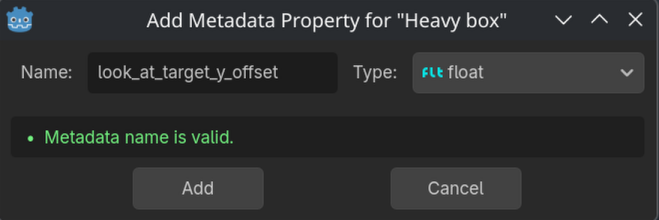
This metadata property represents how far up the “look at line” is from the grab pivot. In the case of the pistol, the “look at line” passes through the barrel, and is .3 units above the grab point.
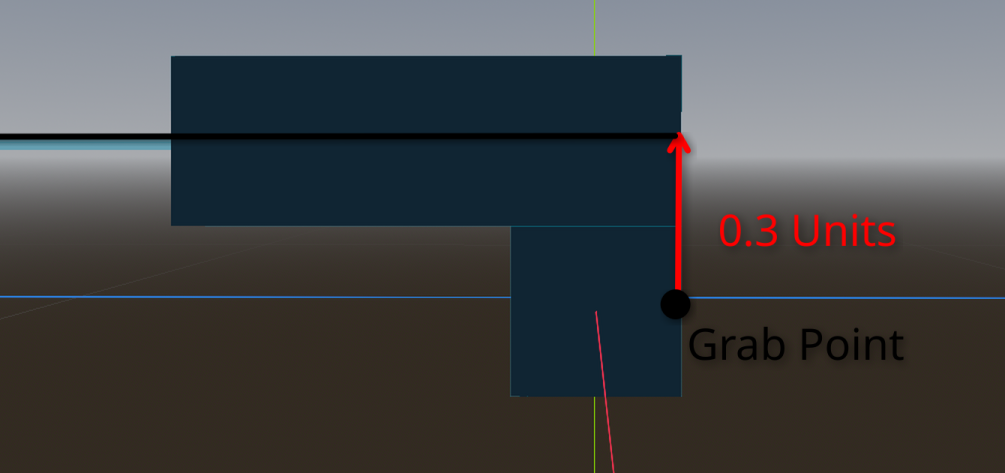
Note: This cannot be a negative value
Last updated: 08-15-2026 21:43