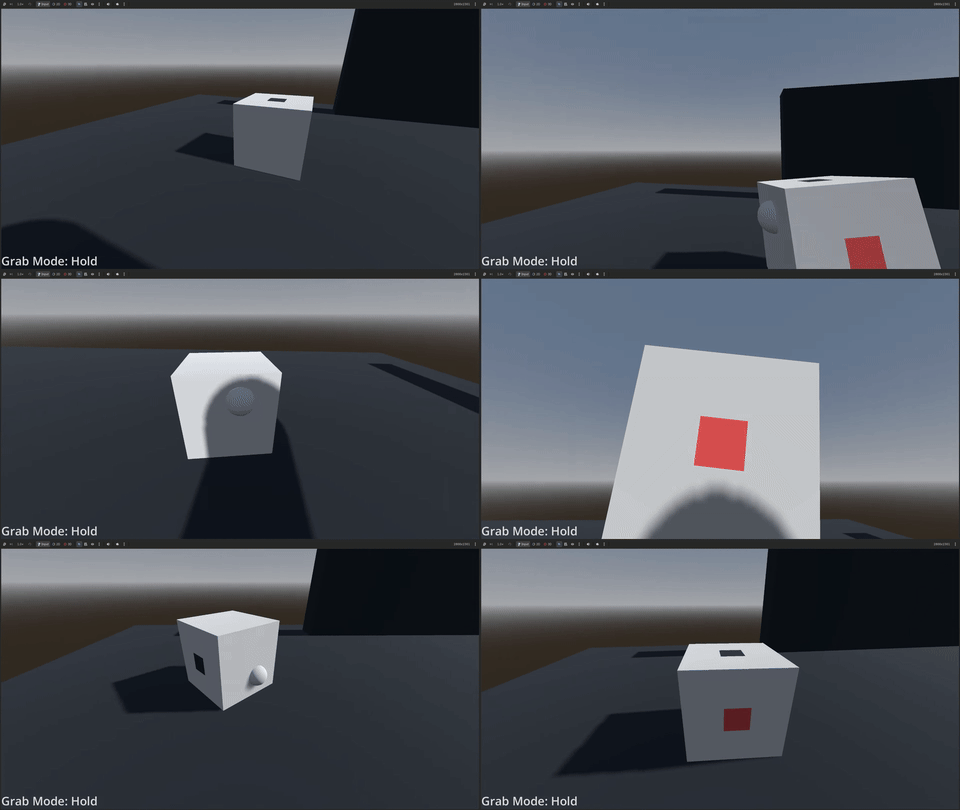
Typically, when the player grabs an object, the object keeps it rotation relative to the camera. With rotation_override, you can make the object always face the same way relative to the camera, no matter how the player grabs the object.
Usage
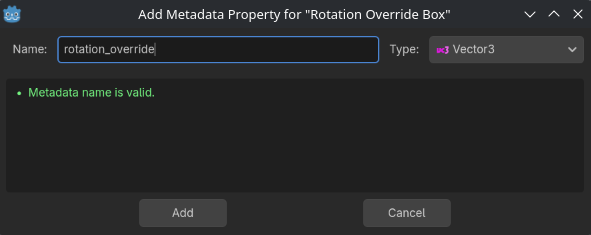
To use rotation_override, add a new metadata property to your grabbable object. Name it “rotation_override” (case sensitive), and set its type to Vector3.
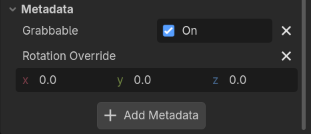
From there, you can customize the rotation values for the X, Y, and Z axes in the inspector.
Last updated: 08-15-2026 21:44