First, drag “Player.tscn” from your project folder into your editor window. Player.tscn combines a physics based character controller with the physics interaction logic Physics Arsenal was created to provide.
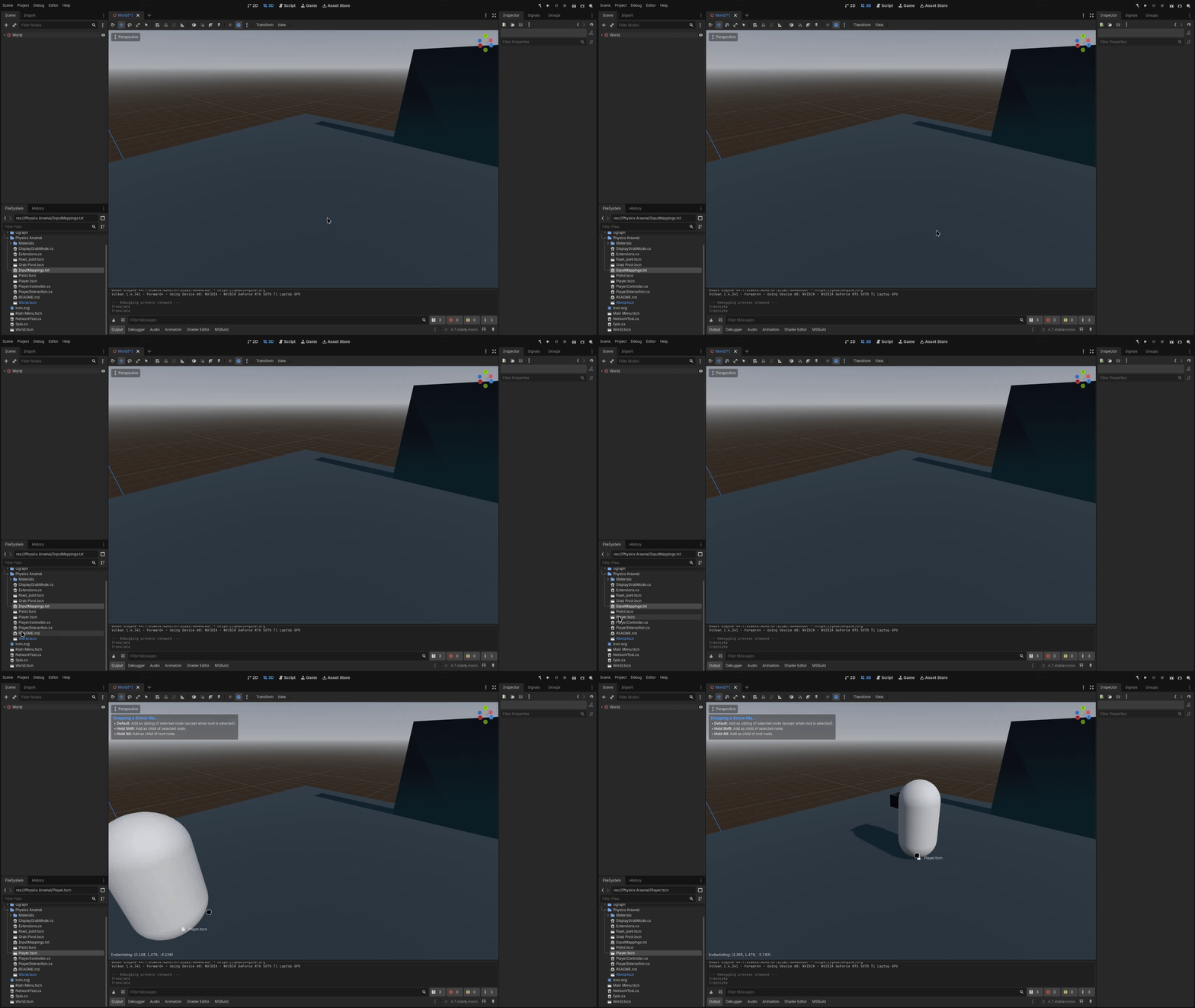
If your scene already contains a camera, make sure to delete it, as it can conflict with the camera inside the Player.tscn scene.
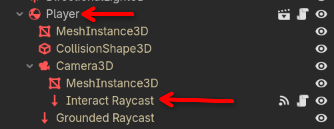
There are many different variables you can customize surrounding player movement, and the player’s ability to grab objects. For now, we will leave them as their defaults, but if you wish to modify them, variables regarding player movement can be found on the root “Player” node, while variables regarding player interaction can be found on the “Interact Raycast” node:
To start grabbing objects, you will need a new RigidBody3D node. Add one to your scene tree, and give it a MeshInstance3D node as well as a CollisionShape3D node. Feel free to pick any shapes you want, it won’t affect these instructions. Once you have done that, click on your object’s root RigidBody3D node. In the inspector, scroll down until you see this button:

Click on this button, and you will see this window open:
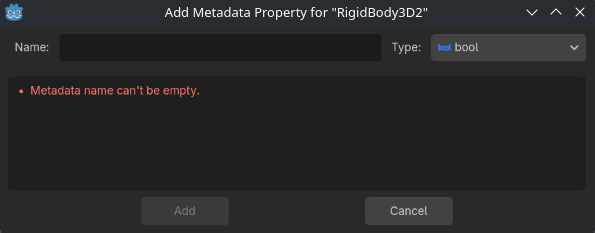
There are many different things you can do with metadata in Godot, but for our purposes, all we need to do is add a metadata property named “grabbable.”
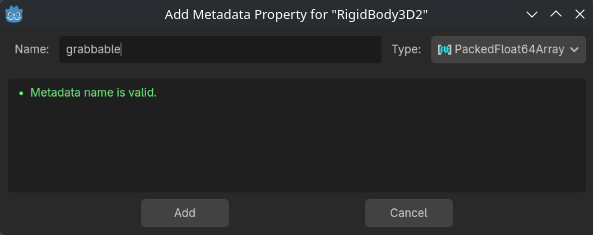
It’s important to note that the metadata type doesn’t actually matter here. Physics Arsenal simply looks for a metadata tag that has the name “grabbable.” So just for fun, I set my tag type to a “PackedFloat64Array” (whatever that is). Once you have the correct name typed in, click “Add.” Once you have done that, you can now pick up your object! Go ahead and enter play mode, use WASD to walk up to your object, move your mouse to look at the object, then press and hold E to grab it.
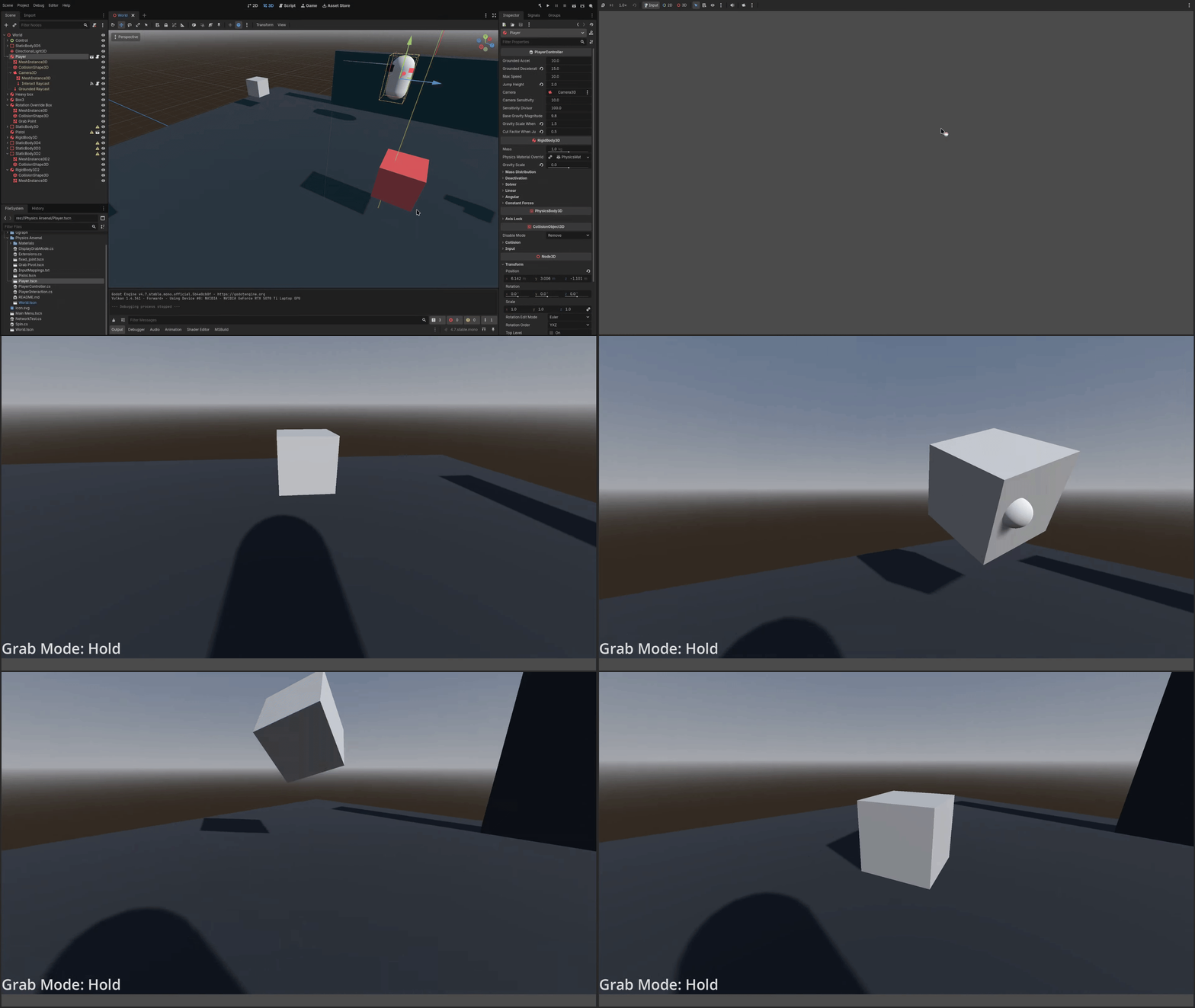
Congratulations! You just created your first grabbable object! However, it doesn’t do too much right now. Check out Object Customization to learn how to customize the behavior of objects when they are grabbed, and Default Controls to check out the included input mappings.
Last updated: 08-03-2026 21:04